
Built for day camps
Families choose the weeks or days they want, every child has a bus and a stop, and the office knows who is coming each morning.
Pick your dates
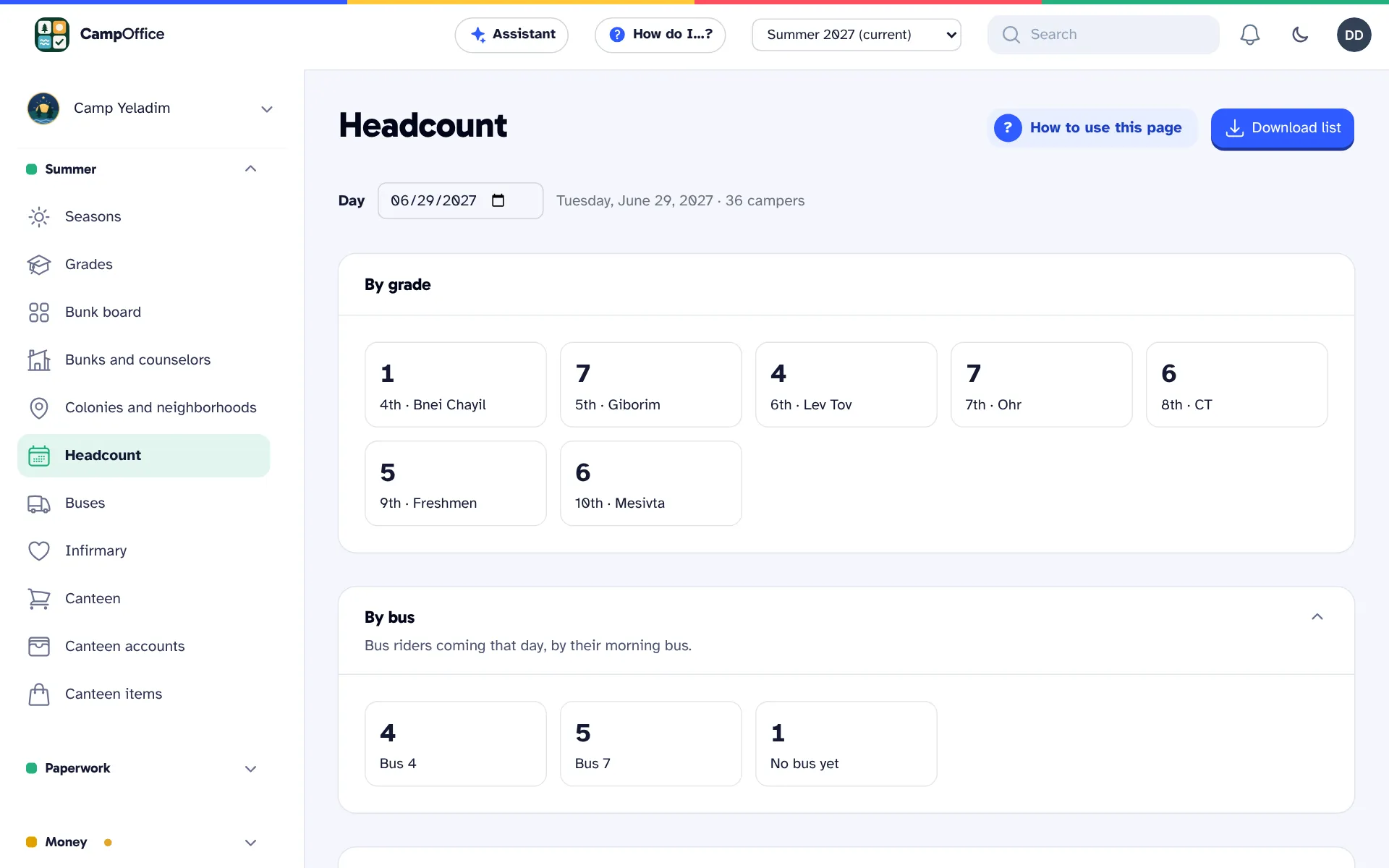
Offer a full summer, halves, or terms where families choose their own days or weeks, priced per day or per week. The headcount shows how full each day is.
Buses, stops and summer addresses
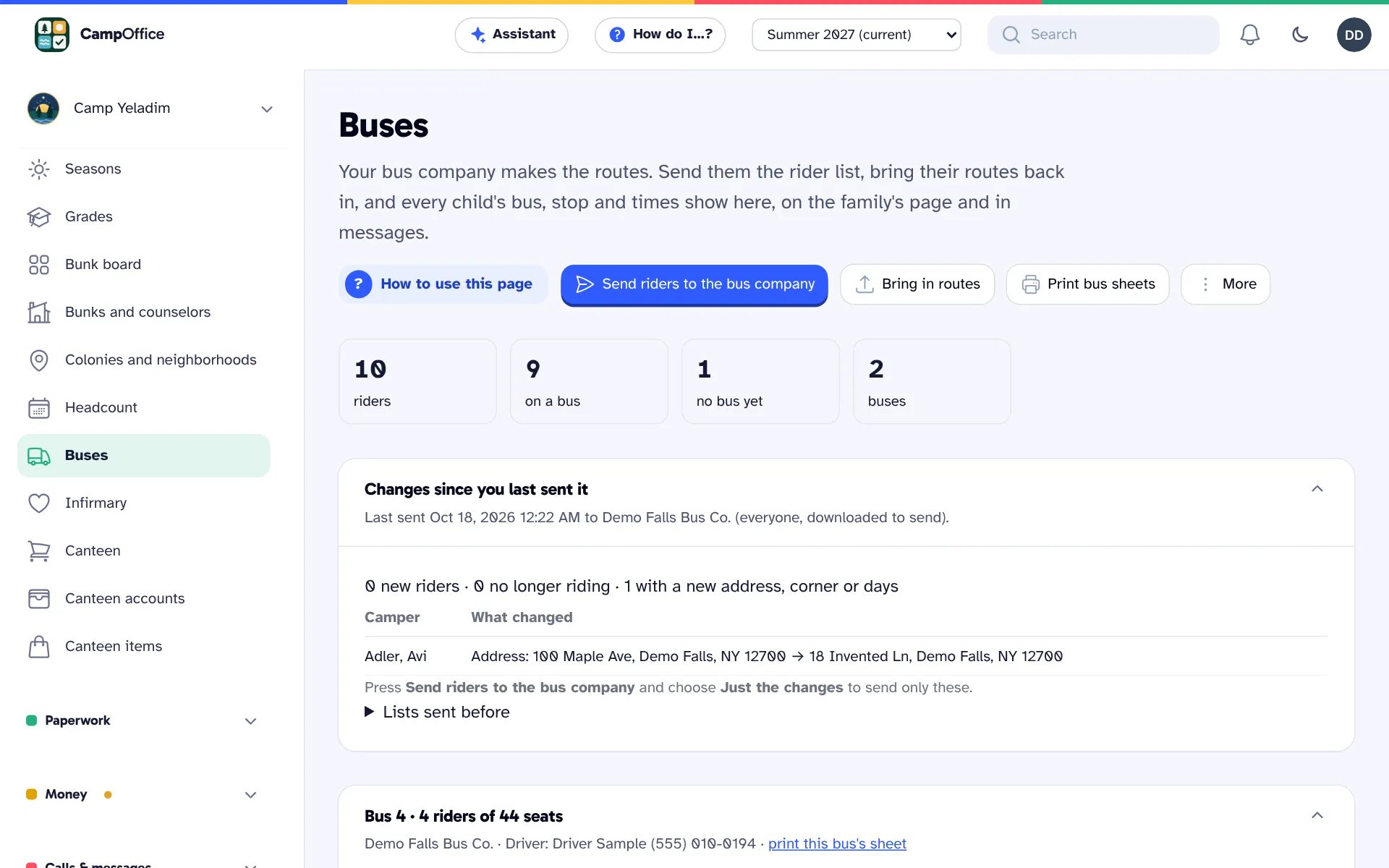
Keep each family's summer address and neighborhood, plan routes from the map or send the rider list to your bus company and import their routes, and print bus sheets for drivers. A neighborhood can have its own price adjustment, such as a bus surcharge.
Spots, not beds
At a day camp, a bunk or group counts spots instead of beds. The bunk board works the same way.
Questions about day camps
Can we run a day camp and an overnight camp?
Each camp is set up as a day camp or an overnight camp, and the office uses the matching terms.
Can families add extended hours or lunch?
Yes. Add-ons such as lunch, extended hours or the bus can be offered, each with its own price and limits.
Can families pay per week or per day?
Yes. Offer a full summer, halves, or terms where families choose their own days or weeks, priced per day or per week.
Can we keep summer addresses and neighborhoods?
Yes. Each family's summer address and neighborhood are stored, and a neighborhood can have its own price adjustment, such as a bus surcharge.
Can we see who is coming each morning?
Yes. The headcount shows who is at camp on any day, by grade and by bus, with allergies listed. Download it for the morning count.
See how it works for your camp
Explore a sample camp with made-up families, or tell us about your camp and we will show you how CampOffice would work for it.